Installation and Setup
Installation and setup guide for the GitButler CLI tool.
How to install and setup the GitButler CLI.
Installing the but CLI
Ok, first thing is first, let's get our but CLI installed. Currently there are two ways to do this.
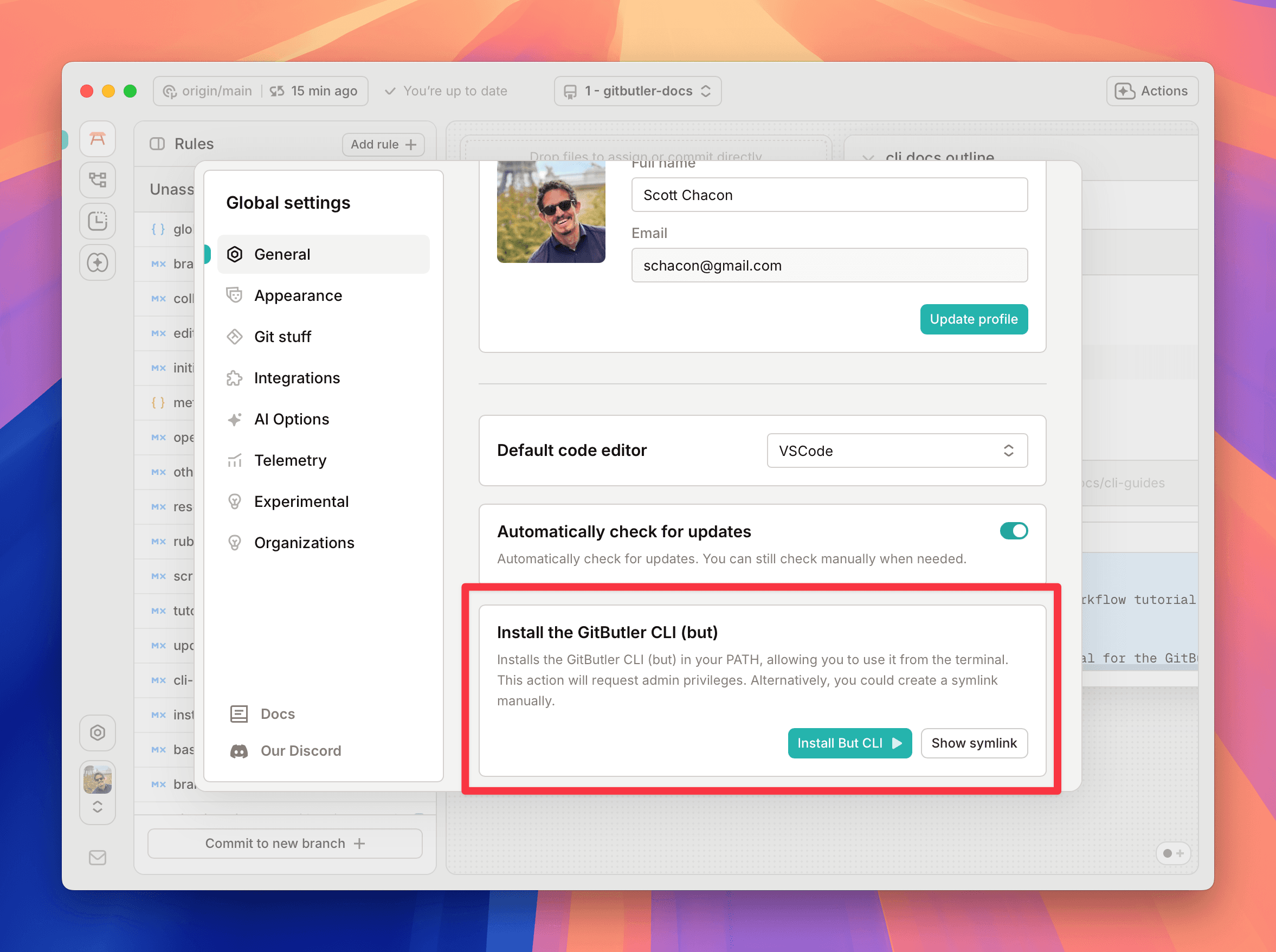
Via the Desktop Client
If you have the desktop client installed, you can go into your global settings and click on the "Install CLI" button in the "general" section.
Curl install
You can install the CLI by running the following command in your terminal:
Setup
If you go into any existing Git repository and run but setup, it will make some neccesary changes to your setup in order for GitButler to manage your data.
If you run almost any but command in an existing Git repository in an interactive terminal, it will ask you if you want to set it up and then run the command you were trying to run. So basically just run but anywhere to get started.
At any time after this, you can run but teardown to undo the GitButler changes and go back to being a boring old Git project. It will not remove GitButler metadata, so feel free to go back and forth if you need to.
Last updated on